
Why Lovable Apps Have Design Issues
AI builds fast — but it doesn't have a designer's eye. After 5+ prompt iterations, your Lovable app likely has:
- Mismatched spacing (some sections use p-4, others p-6)
- Inconsistent color usage
- Mixed font sizes
- Non-responsive layouts on mobile
Here's how to fix it.
The Master Design Prompt
Use this prompt after your app is feature-complete:
"Audit the entire app for design consistency. Ensure: consistent padding (use p-6 for sections, p-4 for cards), consistent border-radius (rounded-xl), a unified color palette using the Tailwind config, responsive layouts that work on mobile (375px) and desktop (1440px). Report every inconsistency you find and fix it."
Manual Fixes for Common Issues
1. Spacing Inconsistency
Search your codebase for random padding values. Standardize to a system:
- Section padding: py-20 px-6
- Card padding: p-6
- Button padding: px-6 py-3
2. Typography Scale
Define a clear hierarchy:
- H1: text-4xl sm:text-5xl font-bold
- H2: text-3xl font-bold
- H3: text-xl font-semibold
- Body: text-base
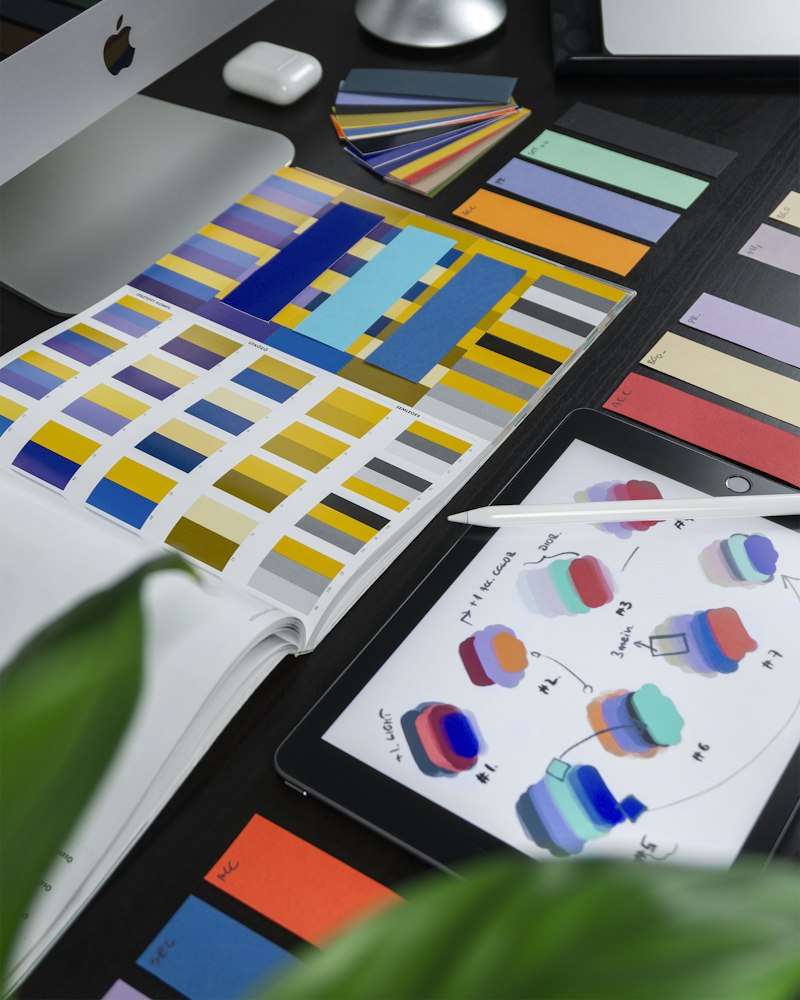
3. Color Consistency
Pick 3-5 colors maximum:
- Primary, Secondary, Accent, Muted, Background
Get a Professional Design Audit
We review every screen of your Lovable app for design issues. See our Design Consistency Audit →


